Storage overview
See disk usage, scan results, and potential cleanup space.

CleanmyMak Intel helps Intel Mac users review storage usage, remove unnecessary files, and manage installed apps. It targets macOS 12 Monterey through macOS 15 Sequoia.
Version 1.14.4 · Intel Mac · macOS 12 Monterey–macOS 15 Sequoia
A $9.99 lifetime license unlocks the app on one Mac. Pay securely with Square. After purchase, copy your Mac ID from CleanmyMak’s Enter License Key window into My Purchases to get your key.
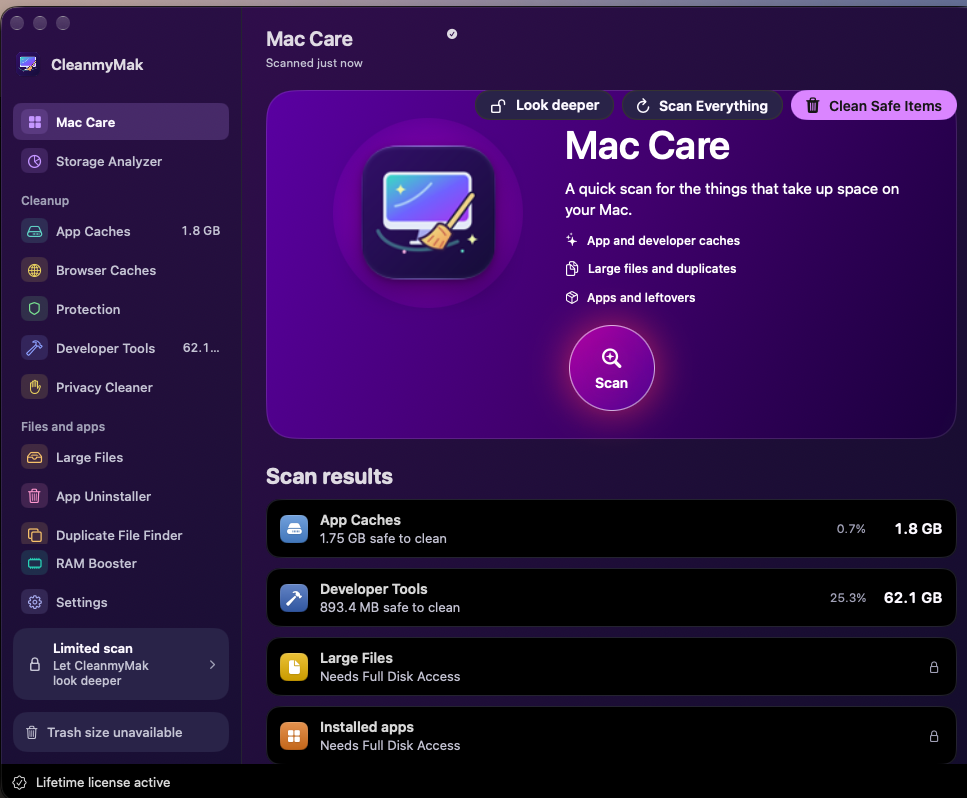
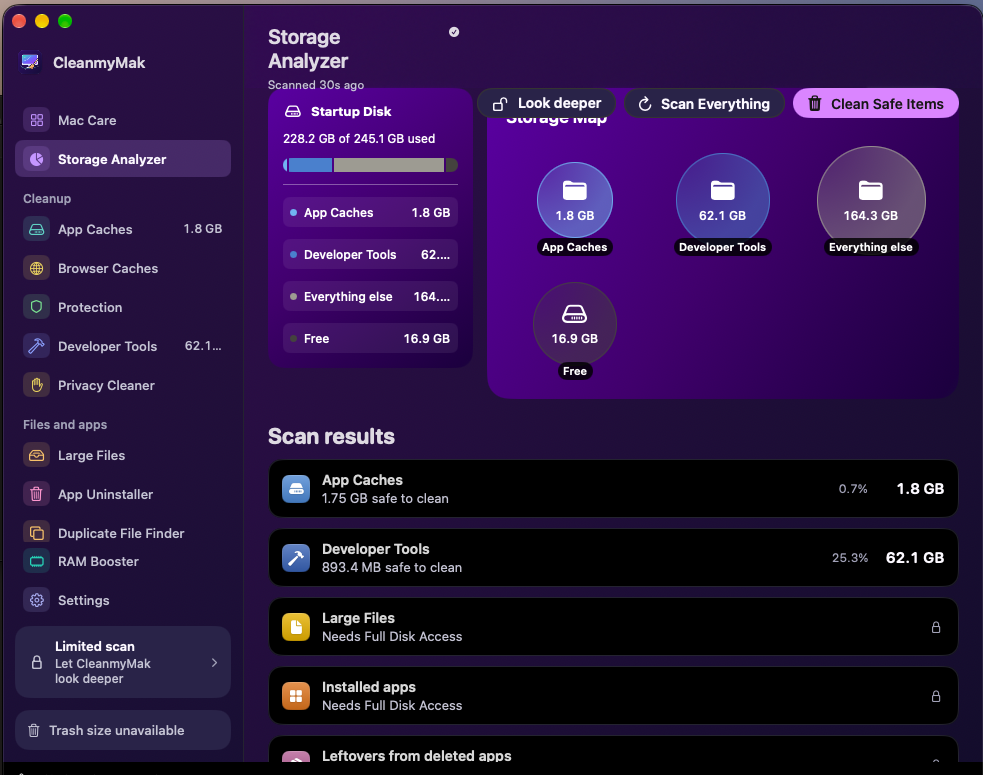

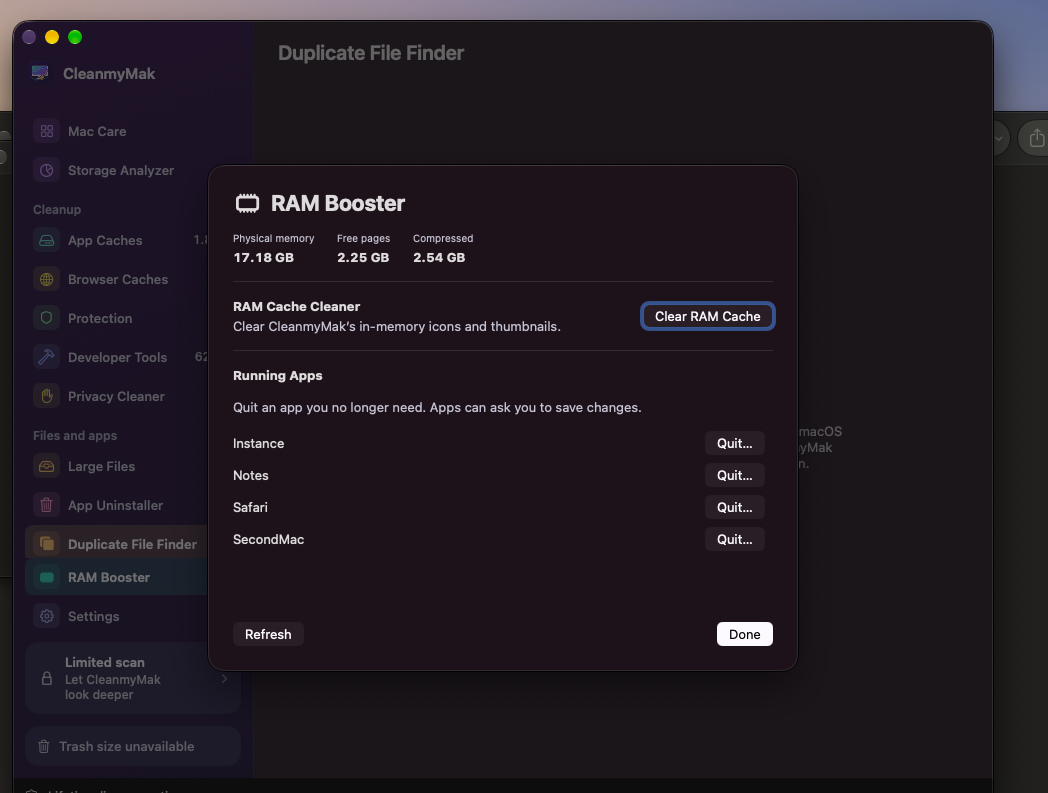
See disk usage, scan results, and potential cleanup space.
Find application caches and review items before removal.
Review and clear supported browsers’ cached files.
Find build caches, developer-tool data, simulator files, and supported package-manager leftovers.
Locate space-consuming videos, documents, archives, AI models, virtual machines, and other files.
Compare detected duplicates and choose which copies to keep.
Remove eligible local downloads while keeping their cloud copies.
Review applications and associated files before uninstalling.
Find files associated with previously removed applications.
Explore other folders and files occupying disk space.
View memory statistics, clear CleanmyMak’s own icon and thumbnail caches, and request running apps to quit.
Scan accessible files or selected folders using a separately installed ClamAV engine with updated signatures.
Check for applications monitoring keyboard input.
Review safety classifications, select items, cancel supported operations, and move supported files to Trash.
Review previous cleanup activity and recorded results.
Configure cleanup reminders and supported cleanup actions when the app becomes active.
Open the app and access scan and cleanup controls.