Choose your app
Start with a supported browser or desktop app.
 SecondMacFOR MAC
Run multiple ChatGPT, Claude, and xAI sessions alongside other supported AI apps at the same time. Keep work, personal accounts, and projects separate with independent profiles—all managed from one Mac dashboard.
Intel or Apple Silicon Mac · macOS 13 or later
25 minutes free daily · Version 0.2.4
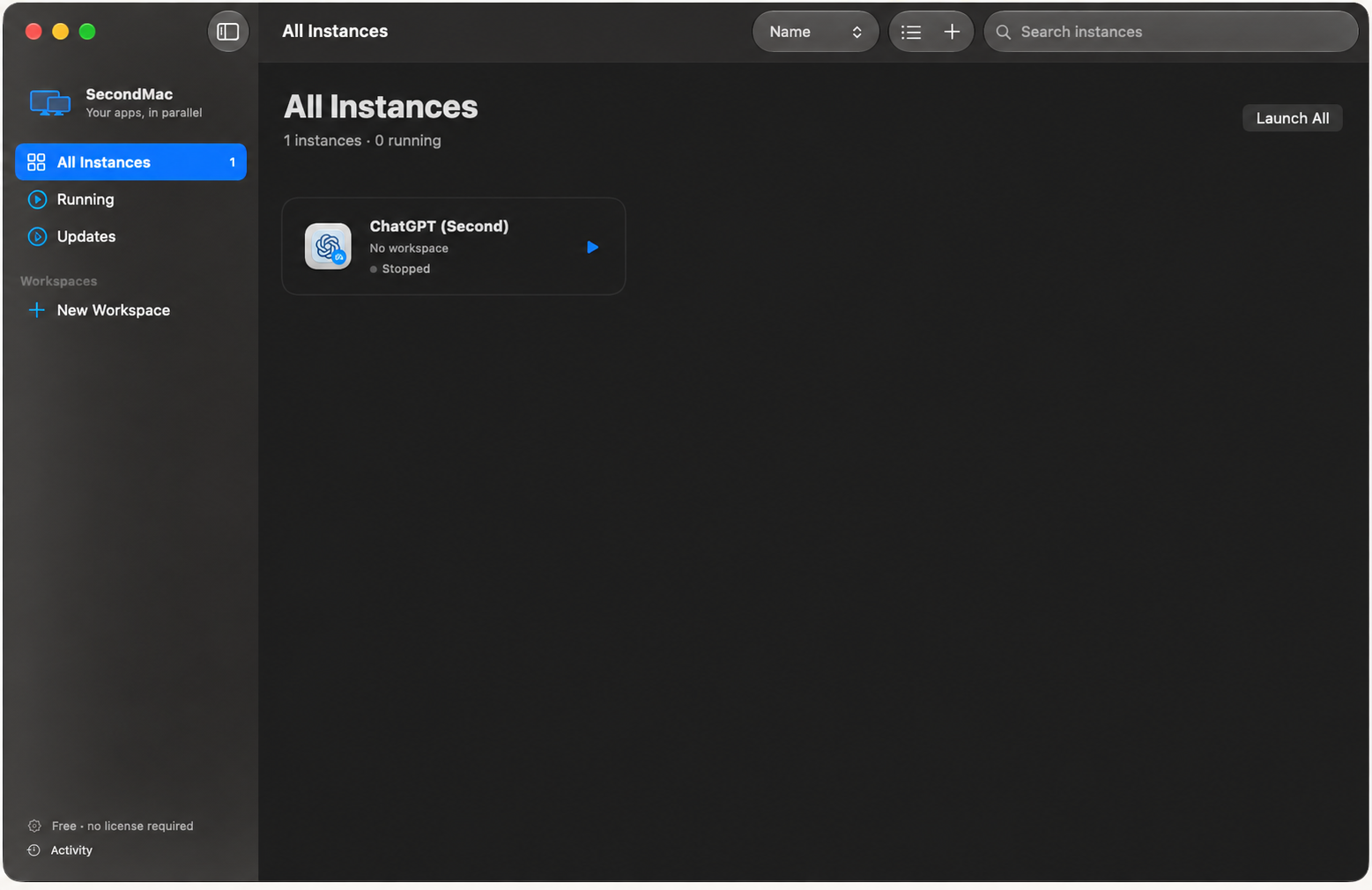
Keep your contexts separate and your day connected.
Start with a supported browser or desktop app.
Give your work, personal, or project profile its own home.
Launch your profiles and move between accounts.
See your instances and workspaces together in SecondMac.
Explore SecondMac with 25 minutes of free use in each 24-hour allowance period.
Remove the daily timer.
One license for SecondMac on one Mac.
SecondMac creates independent profiles for supported Mac browsers and desktop apps. It lets you keep work, personal, and project accounts separate and manage them from one dashboard.
You can use separate profiles with supported desktop apps or browsers. Each profile needs its own appropriate service account, and paid AI access may require separate subscriptions. Compatibility varies; SecondMac does not unlock paid AI services.
Download the ZIP, extract it, read README.txt, and move the app to Applications. Current builds are not Apple notarized and may require individual approval in Privacy & Security. Read the installation guide.
Complete checkout, save your license code, and choose Enter License… in SecondMac. Paste your code and activate with an internet connection.
Each app is purchased separately. This license activates SecondMac only.
Use Check for Updates… in updater-enabled releases. For the current release, use this page’s download link; automatic update feeds may lag behind manual releases. For download or activation help, contact support.