Find your app
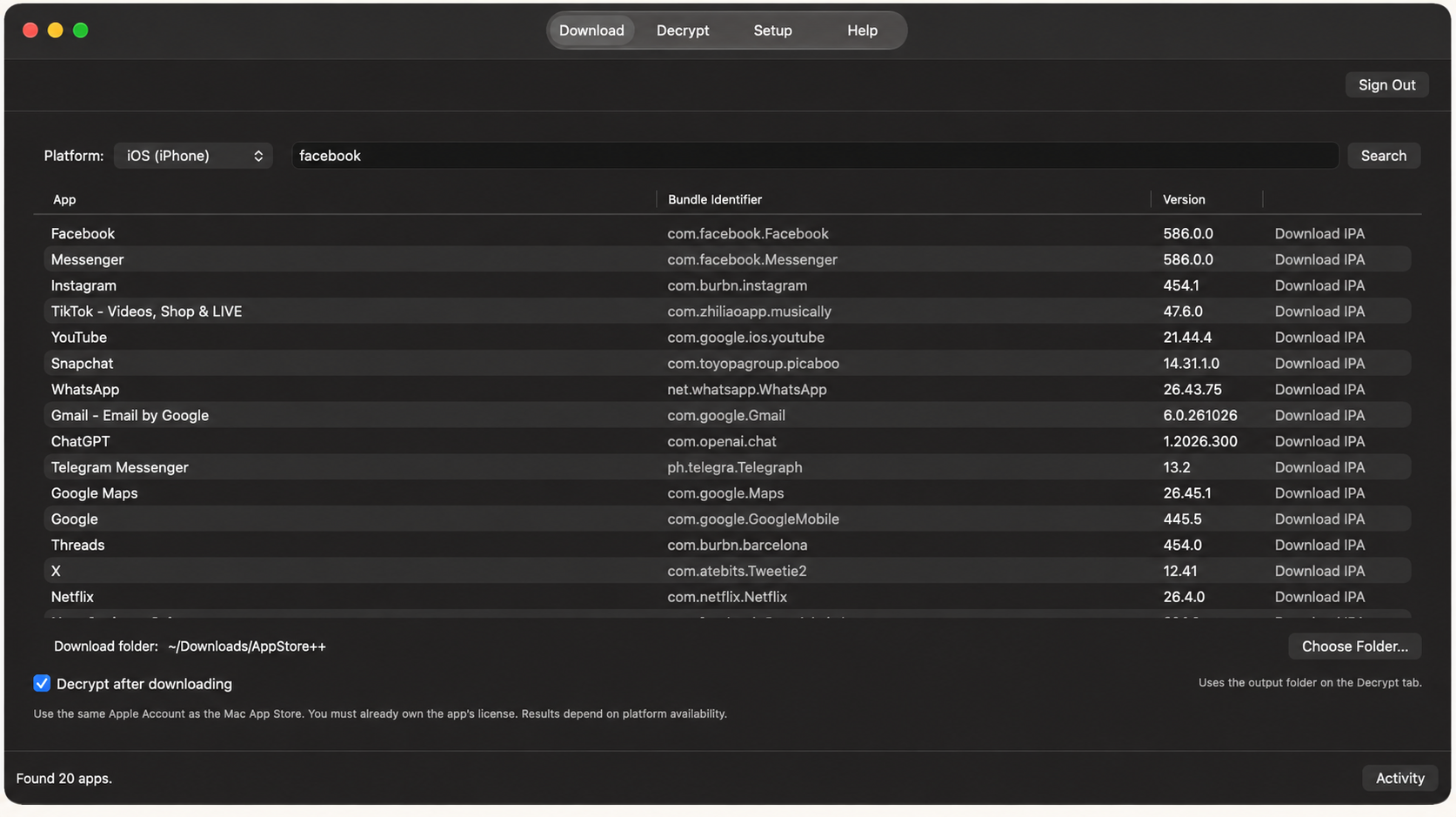
Choose iPhone, iPad, or Apple TV and search your owned apps.
 AppStore++FOR MAC
Your iOS app library, managed on your Mac. Find and download apps you own for iPhone, iPad, and Apple TV. Download and decrypt IPA files with one click on compatible setups, and keep your library organized in one place.
Apple Silicon Mac · macOS 14 or later
25 minutes free daily · Version 1.4.3
Less searching through folders. More control over your apps.
Choose iPhone, iPad, or Apple TV and search your owned apps.
Save app files to the folder that works for you.
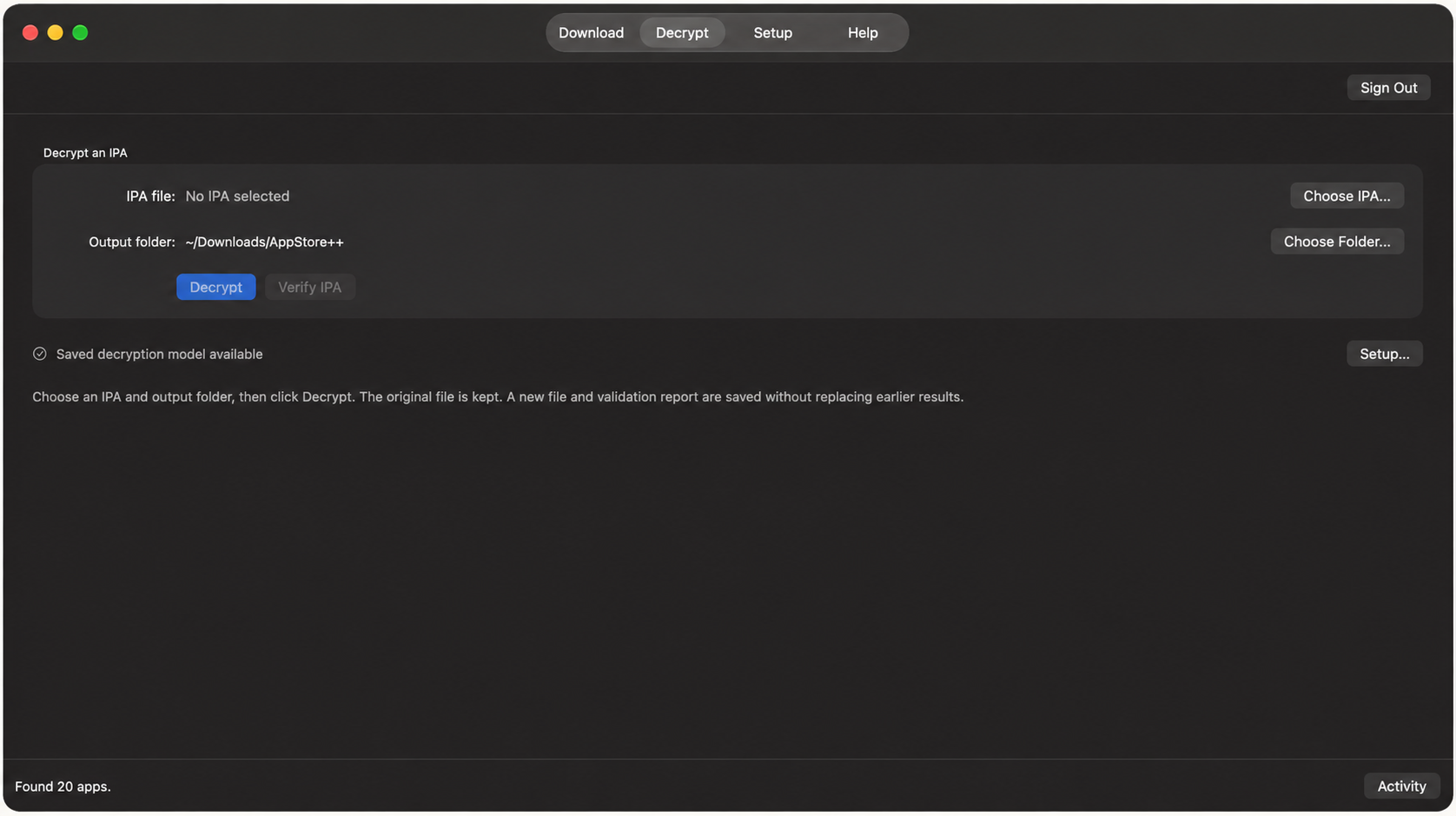
Use the local decryption workflow on supported setups.
A familiar Mac interface, from your first search to your saved IPA.
Choose an IPA and an output folder, then decrypt on a compatible setup.
Explore AppStore++ with 25 minutes of free use in each 24-hour allowance period.
Remove the daily timer.
One license for AppStore++ on one Mac.
AppStore++ is a Mac app for finding and downloading apps you own for iPhone, iPad, and Apple TV, organizing their IPA files, and performing local decryption on compatible setups.
AppStore++ requires an Apple Silicon Mac and macOS 14 or later. This build does not support Intel Macs. Downloading owned apps requires an Apple Account with the relevant licenses.
Download the ZIP, extract it, read README.txt, and move the app to Applications. Current builds are not Apple notarized and may require individual approval in Privacy & Security. Read the installation guide.
Complete checkout, save your license code, and choose Enter License… in AppStore++. Paste your code and activate with an internet connection.
Each app is purchased separately. This license activates AppStore++ only.
Use Check for Updates… in updater-enabled releases. For the current release, use this page’s download link; automatic update feeds may lag behind manual releases. For download or activation help, contact support.